How can we help you today?
Browse
Top categories
Getting started
First steps for new workspaces, quick setup, and the fastest route to shipping posts.
Connecting social accounts
OAuth setup, permissions, and what each network needs before Postsiva can publish.
Scheduling and publishing
Create, queue, schedule, and ship content confidently across the networks.
Managing posts
Draft hygiene, editing, previews, approvals, and keeping your publishing flow clear.
Media and Canva
Bring in visuals from Canva and cloud storage without slowing down your composer.
AI and automations
Use Postsiva GPT, MCP, and automation safely inside your workspace workflow.
Troubleshooting
Fix the most common connection, publishing, and workspace issues before contacting support.
Featured
Start with these guides
Getting started
Create an account, sign in, and verify your email
Sign up, log in, enter your 6-digit verification code, and check spam if the email does not arrive.
5 min
Getting started
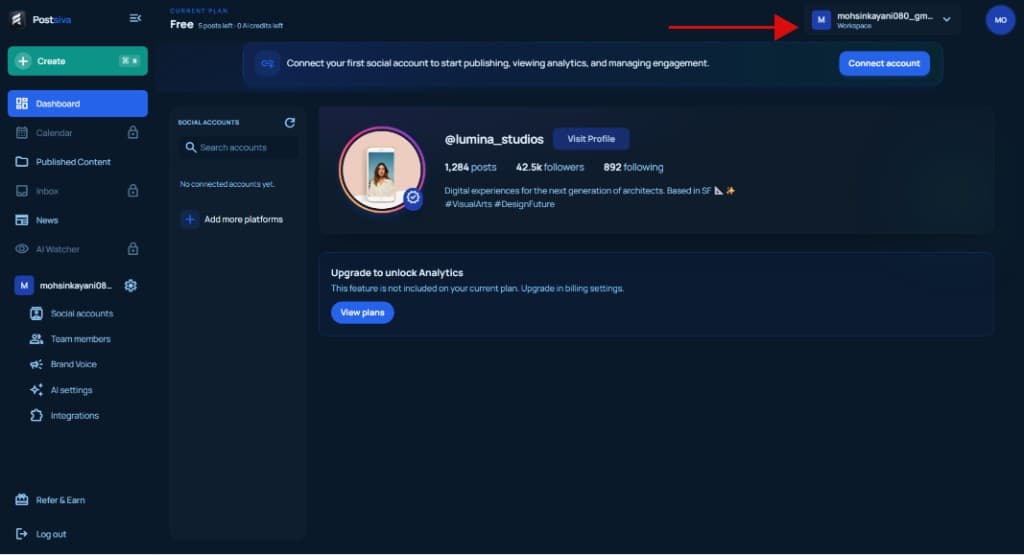
Start your first Postsiva workspace
Open the workspace menu, create a new workspace, name it, and get your first publishing cockpit ready.
5 min
Getting started
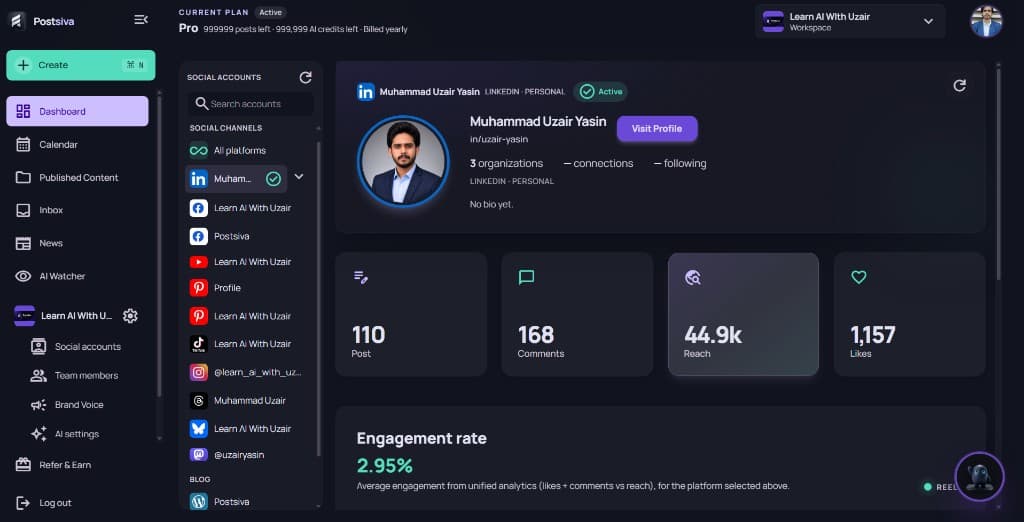
Use the unified dashboard
Open Dashboard to see connected channels in one place, switch accounts, and review posts, comments, reach, likes, and engagement.
4 min
Connecting social accounts
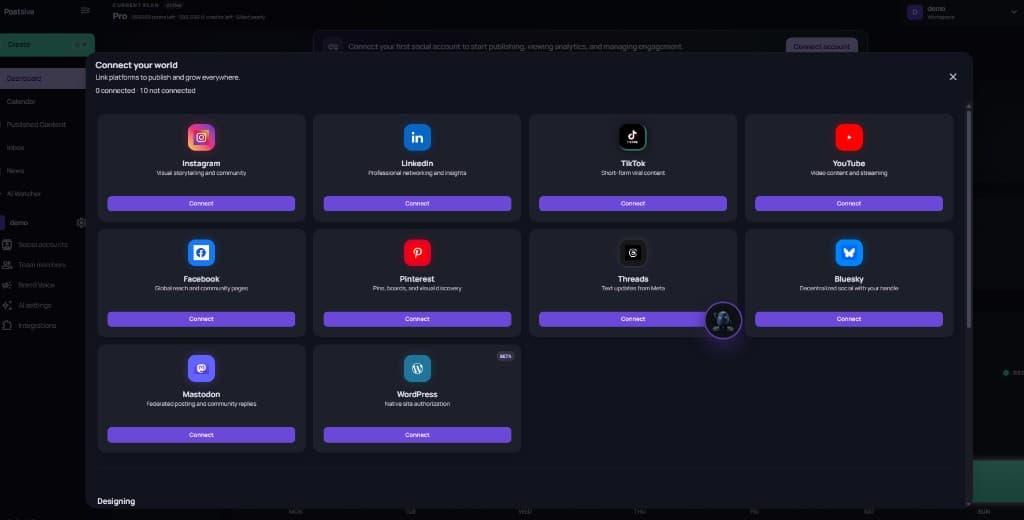
Connect an Instagram account
Open Connect account, link Instagram, allow permissions, and convert a personal account to Creator or Business when Instagram asks.
8 min
Connecting social accounts
Connect a LinkedIn account
Open Connect your world, sign in to LinkedIn, allow Postsiva permissions, and confirm the account shows Connected.
5 min
Scheduling and publishing
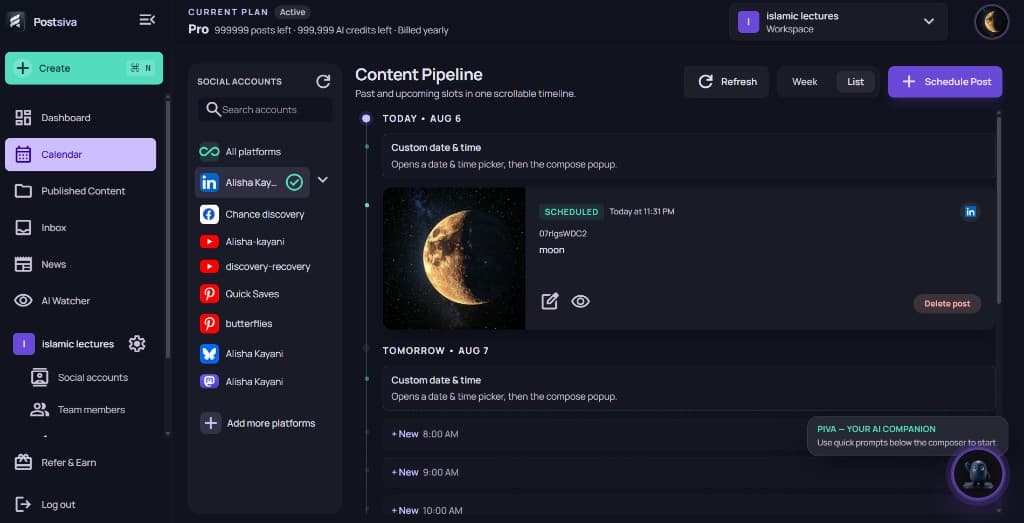
Schedule your first post
Compose in Create post, pick a time from the list or calendar, confirm the schedule bar, then Schedule.
6 min